Qhora mobile app
Create scroll-stopping posters from your phone.
Turn a simple idea into polished business visuals in minutes. Qhora brings AI poster creation, brand-ready editing, and fast downloads to the device already in your hand.
- AIPoster generation
- BrandVisual control
- MobileCreate anywhere
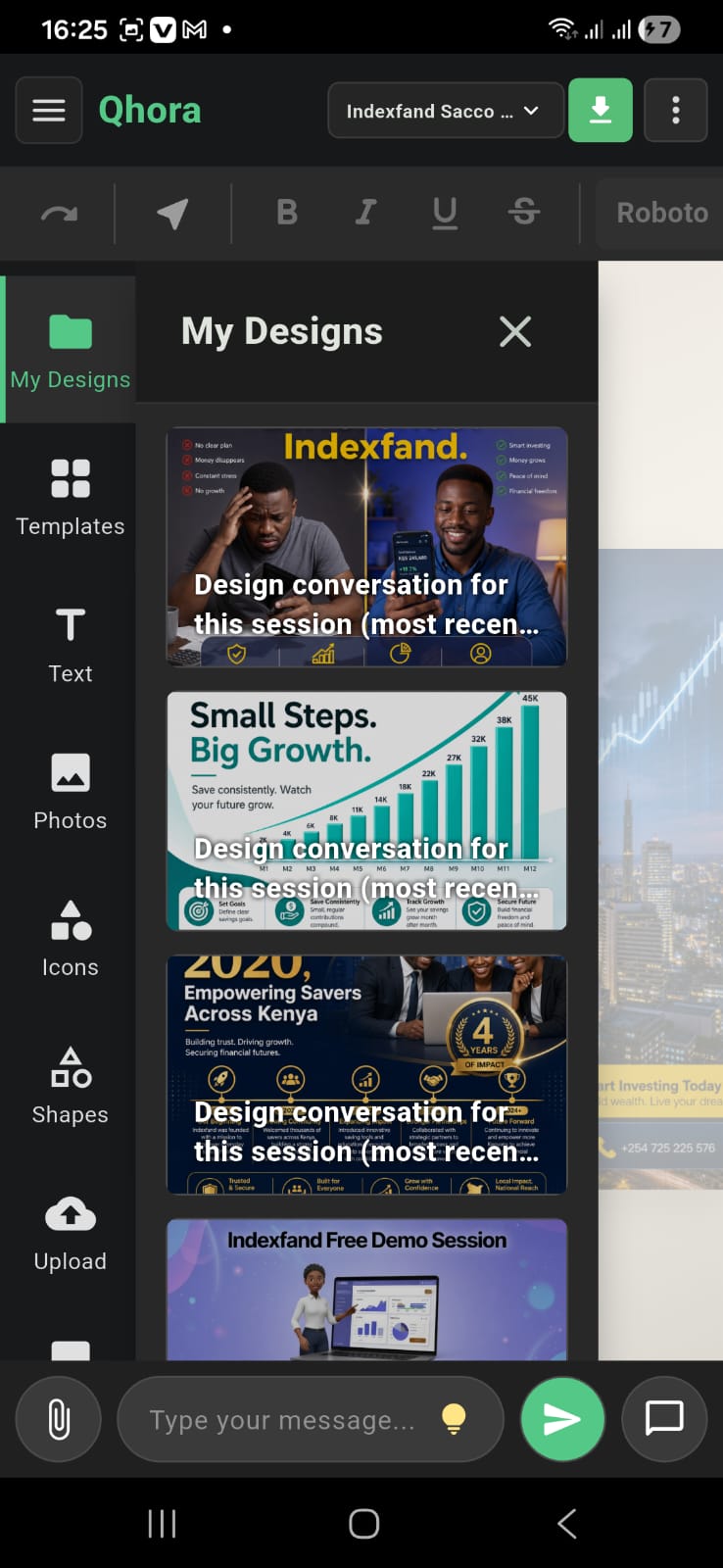
Designed for mobile creation
Everything you need before the next post, flyer, or campaign
Open the app, describe the visual, refine the result, and move from idea to shareable creative without waiting to get back to a laptop.
-
Prompt to poster
Write what you want and let Qhora shape the concept, layout, image direction, and text into a ready-to-edit design.
-
Edit with control
Keep improving colors, words, assets, and composition directly from the mobile interface.
-
Built for business
Create marketing visuals for shops, events, offers, announcements, and everyday brand communication.
How Qhora works
From download to eye-catching visuals in minutes
Qhora learns the essentials of your business quickly, then helps you create visuals that feel like they belong to your brand.
-
01
Download the app
Get Qhora on your phone and open your mobile design studio.
-
02
Sign up
Create your account so your designs, brand details, and creative history stay ready.
-
03
Add your business details
Share your brand name, style, colors, logos, and the details Qhora needs to understand you.
-
04
Let Qhora learn your style
In seconds, Qhora picks up your brand direction and prepares smarter creative suggestions.
-
05
Start creating visuals
Generate eye-catching posters, flyers, and campaign graphics that match your brand.
App screenshots
See Qhora in motion before you download
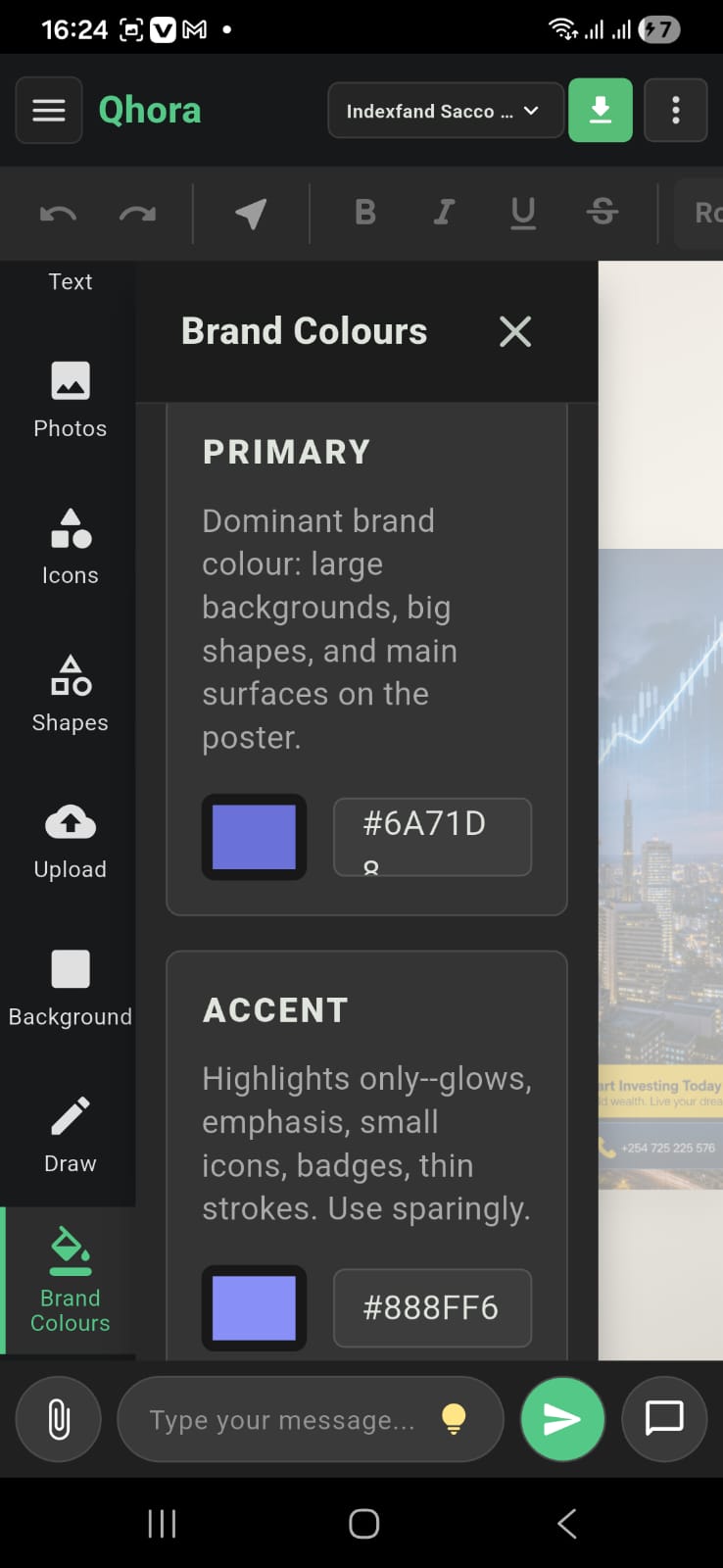
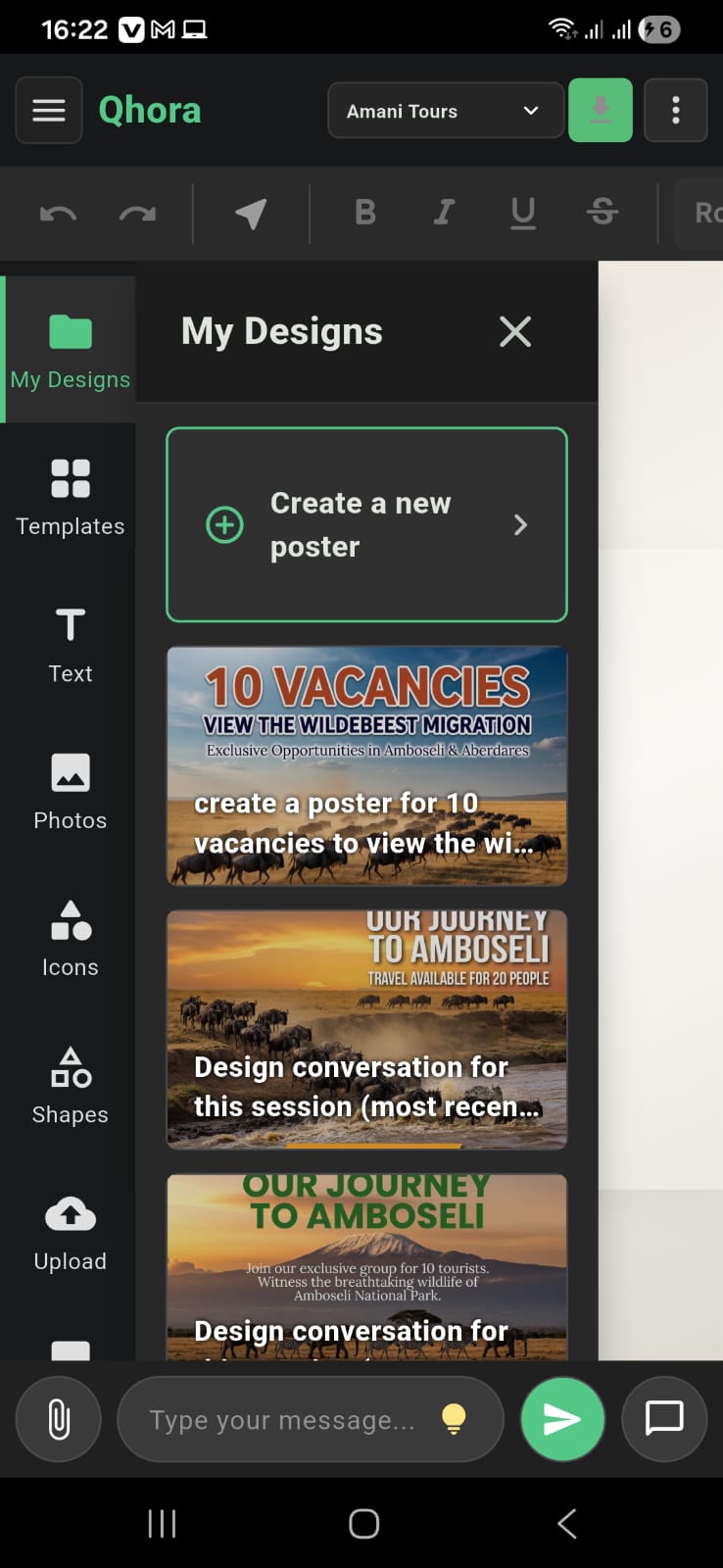
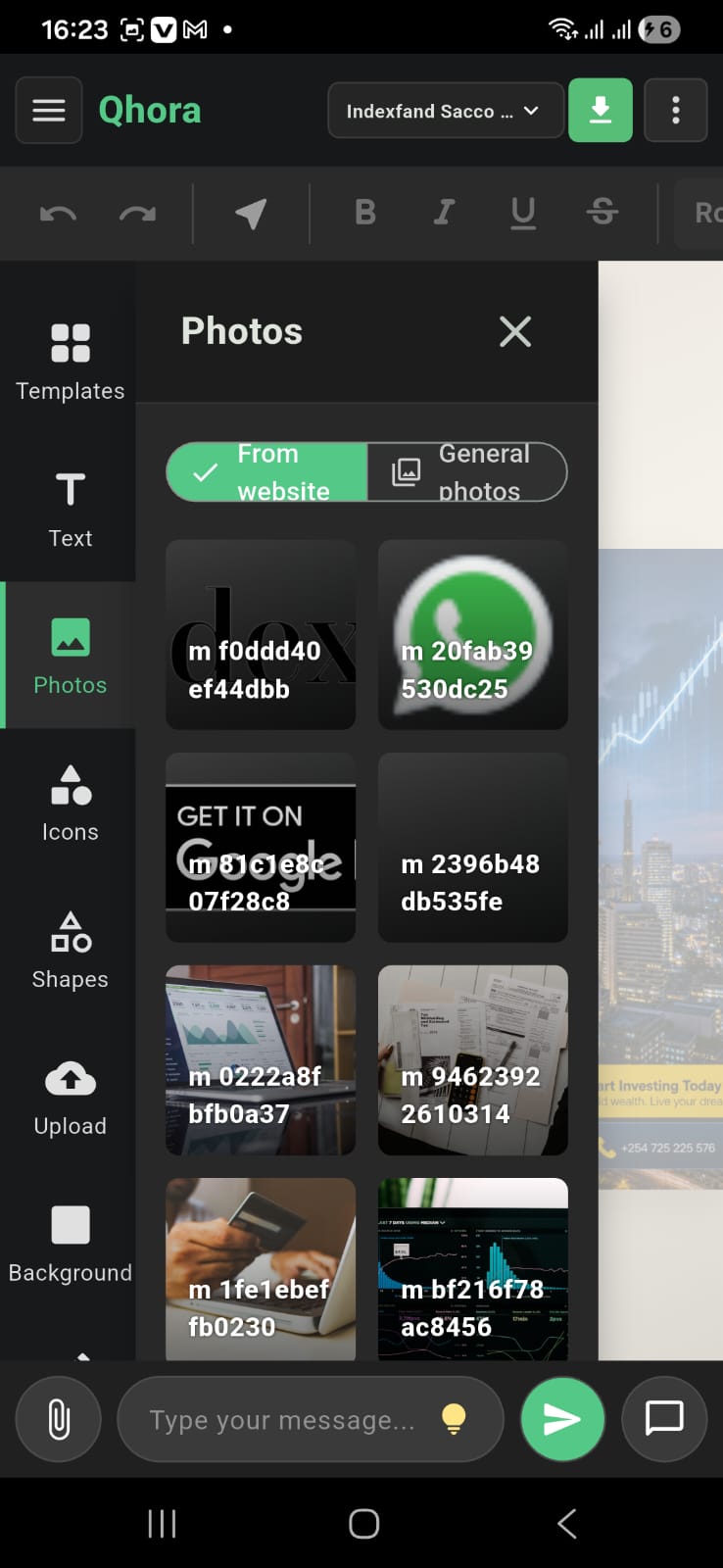
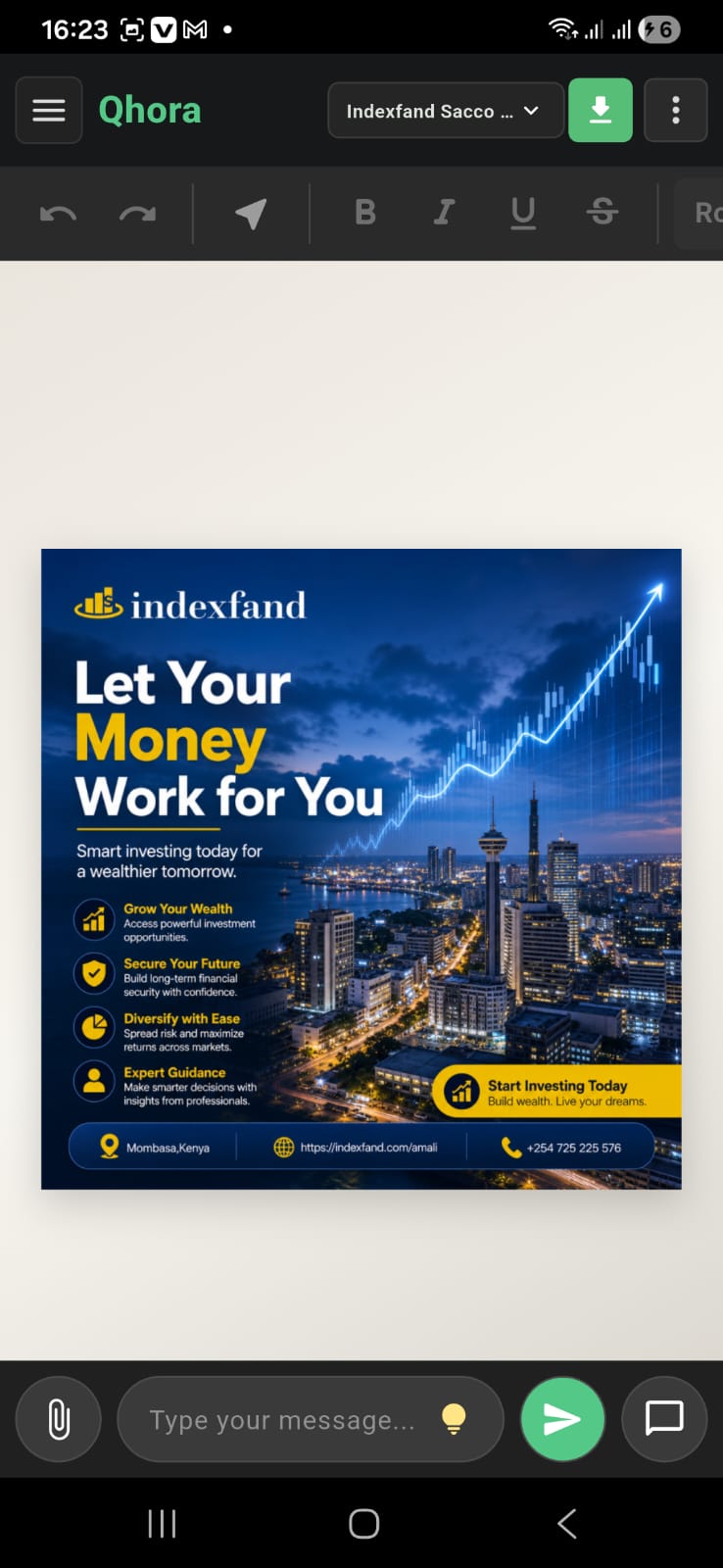
Android available now. iOS coming soon.
Put the Qhora studio in your pocket.
Get Qhora from Google Play today and start creating campaign-ready visuals wherever your idea shows up.